Portrait Hosting for MacOS and Windows
Portrait Hosting for MacOS and Windows was the desktop side of the network. The browser UI could trigger actions, but the local app owned the node key, ran Waku, and stayed alive in the background.
That is why it had to be a real desktop app. Not a browser extension, not a terminal command, and not a backend pretending to be the user’s node.
If you want to look at the app itself, the public repo is portrait-hosting-app.




Why it was a desktop app
Hosting only makes sense if the node can outlive the browser tab. A user should be able to close the website and still have a local process that keeps the peer online, holds its own identity, and can rejoin the network later.
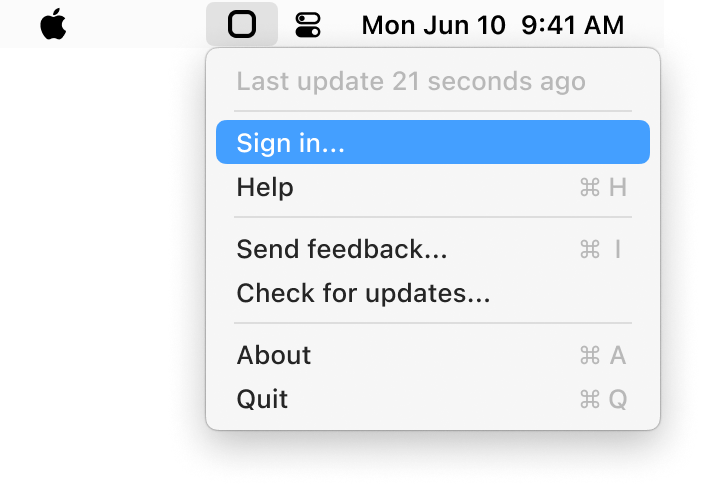
So the product shape was a menu bar app on macOS and a tray app on Windows. That is a much better fit for a background host than trying to force the same behavior into a website.
MacOS and Windows
By utilizing Electron, I could build a single app that worked on both platforms while still having access to native features like the tray, background processes, and local file storage. The app had platform-specific assets and behaviors, but the core codebase was shared.
Linux was pretty much supported out of the box, but Linux distros have such a wide variety of environments that Linux users manually build from source if they want to run the hosting app.

The local bridge
The browser did not talk directly to Waku. It talked to the desktop app over a tiny localhost bridge on port 35927. That kept the responsibility split clean: the frontend handled product UX, while the desktop process handled the actual node behavior.
That is a better architecture than trying to hide everything inside the page. The browser becomes the controller. The desktop app becomes the peer.

Own the node
The important property was local ownership. On first run, the hosting app generated and stored its own key material locally, started the Waku node, and periodically restarted the network process to stay healthy. It also reacted to device state changes like sleep and wake instead of assuming laptops behave like servers.
That gave Portrait a real user-operated host. The backend could coordinate and sponsor onchain writes, but the peer itself still lived on the user’s machine.
In-depth details
To learn more about the technical details, continue reading peer-to-peer hosting.